a website agent for your Shopify store
Found & Bought.
It works on a private copy of your theme, so nothing changes until you say so. It speeds up your pages, sorts your homepage and product pages, and adds the structured data Google and AI answers read. It writes descriptions, SEO titles, alt text and FAQ pages, with a backup each time, and can build a product quiz, a stockist page or bundles. You review, press Publish, and every month it checks your store and your AI visibility again.
Never used AI before? Good, this was made for you. If you can copy and paste, you can do this. here's how
Want more than one skill? Bundle and save.
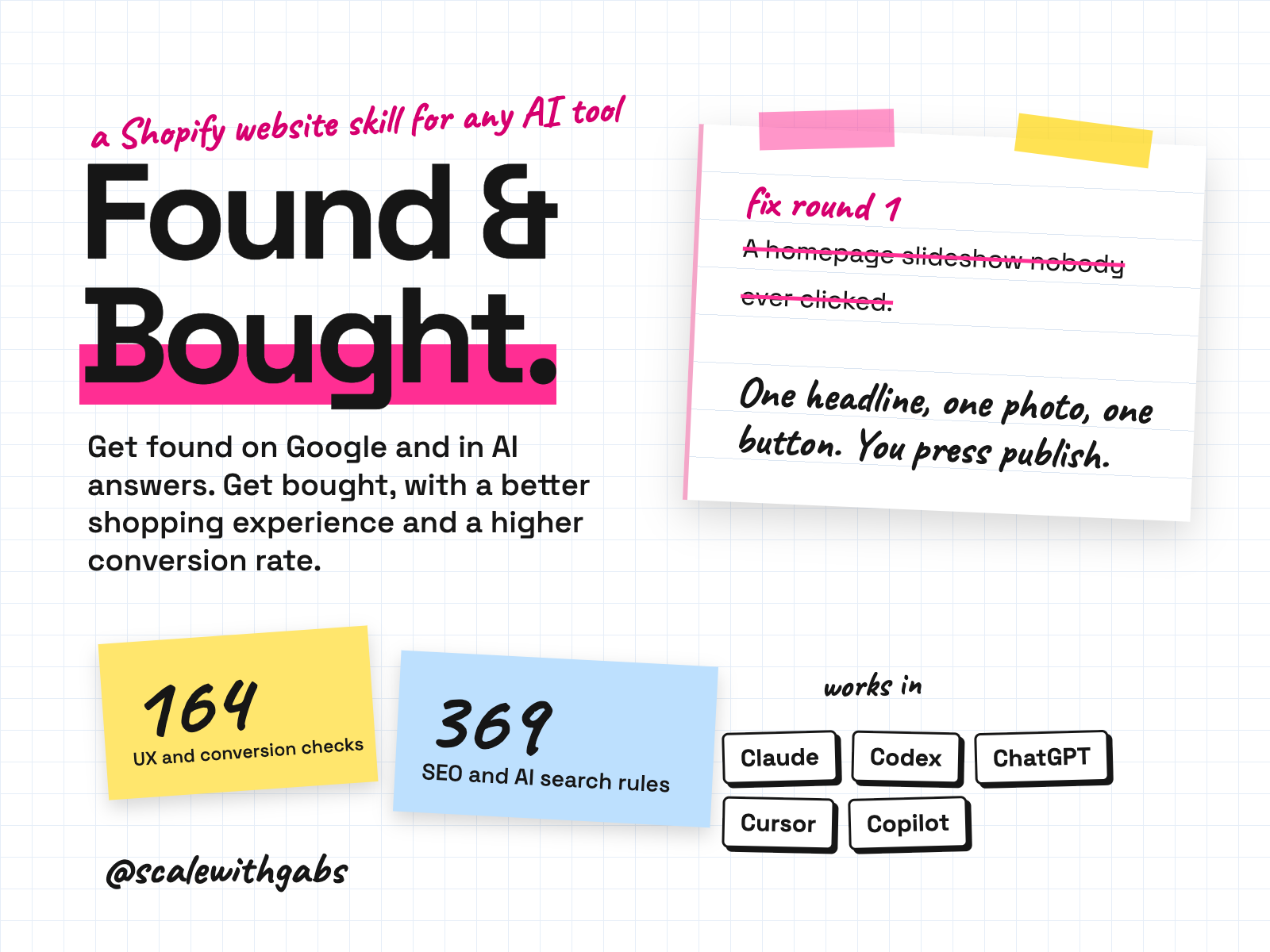
works in
- Claude
- Codex
- ChatGPT
- Cursor
- GitHub Copilot
- Shopify
Why I built it.
including a lot of things I believed that turned out to be wrong
Over a month I did something I'd been putting off. I sat down with AI and worked through my own store properly. Audits. A homepage redesign. Speed. Structured data. The blog. Getting named in AI answers.
It worked well enough, and taught me enough (including a lot of things I believed that turned out to be wrong), that I did what I always do. I wrote it down so somebody else could use it.
I don't work with agencies, and a lot of owners can't or don't want to either. So this is a method with a very fast pair of hands, and you make every decision.
What it does.
- Learns your business first. A 15 to 20 minute interview on your goals, customers, brand rules and five websites you love, played back for your yes.
- Gets you found. Search foundations, structured data and the things AI tools read, so you show up on Google and in ChatGPT, Google AI and Perplexity answers. Measured monthly.
- Gets you bought. A better shopping experience on every device: UX and design, speed, trust, checkout, order value and accessibility, ranked by what is costing you sales.
- Fixes things on a private copy of your site, in batches of five changes or fewer, each with a preview link, plain English notes, how to publish and how to undo.
- Proves what moved. Your conversion rate and a starting scorecard, re-scored every month, honest about the rows that stayed flat or got worse.
- Guards your store. It never works on your live site, never touches your tracking pixels, and never changes live content without your yes and a backup.
Who it's for.
and who it is not for
- Shopify store owners who aren't technical and don't want to become technical.
- Owners who don't want an agency and are happy to make decisions and look at previews.
- Owners who want the work to look and sound like their brand, not a template.
- Brands that want more of their visitors to buy, and to be named in ChatGPT, Google AI and Perplexity answers.
Not for: stores that aren't on Shopify, anyone who wants a guaranteed increase in sales, or anyone who wants someone else to press Publish. It's done with you, not done for you, and it doesn't run your ads, email or social.
How it works.
- 1Setup. It installs, connects to your store, tests its safety lock and backs up your design. About 15 minutes.
- 2Getting to know you. Short rounds of questions, mostly tap to choose.
- 3Health check. A quick look only. Nothing changes. It counts your tracking tags so it can prove it never touched them.
- 4Full audit. The whole store, ranked by what is costing you sales.
- 5Fix rounds. Built on a private copy, checked, handed to you as a review card. You publish, it checks the live site.
- 6AI search and monthly check-ins. Whether AI tools name you, then a monthly scorecard of what moved.
See it in action.
tap one to see it full size
These are the real report pages Found & Bought writes, filled in for a sample, fictional store. Harbourline Candle Co. and every figure on them are invented.
How to use it.
copy, paste, done
- 1Make a folder and open it in your AI tool. The How to use page walks you through it. Claude Code gives you the full experience, with the safety lock on automatically.
- 2Paste the install message. It copies the skill into place and tells you when it's done.
- 3Start a new session and say hello. It introduces itself, makes three promises and confirms its safety check is on.
the first thing you say
Let's get started on my website.
Then just say things like
what's nextwhere you are, and the next stepgohappy with a step, move onpublishedyou published a fix round, it checks the live siteundo thatreverse the last changesomething looks wrong on my site:then describe it or paste a screenshotexplain that more simplyany time, about anythingwe're donethe final scorecard and how to switch off access
Works in your AI tool.
Claude Code is the full experience
Where I have run it: Simulated owner and store runs, and the safety lock self-test on a Mac. A practice store run in each tool is the last check before it goes on sale.
Never used AI?
good. start here.
Good. You're exactly who I wrote the lessons for.
Every download comes with a How to use page you can open before you even unzip anything. Pick your AI tool and it shows you where to click and what to paste, one step at a time. If you can copy and paste, you're qualified.
Then there's a short lesson that walks you through your first real session: what to say, what a good answer looks like, and what to do when it isn't. You never have to type a command.
Still stuck? Every download has an it didn't work section for each tool, and my email. Or grab an hour with me and we'll set it up together.
What you get.
- The Found & Bought skill, with its conversion playbook, SEO playbook and AI search deep dive.
- Setup notes for Claude Code, Codex, ChatGPT, Cursor and Copilot.
- The safety lock that blocks the riskiest actions on your live store.
- Report templates: review cards, scorecards, change log and progress file.
- Two optional add-ons: email and SMS flows, and marketplaces and other channels.
- The How to use page and a 30 minute lesson.
Good questions.
tap a question to open it
Will it break my store?
It never edits your live site. Everything is built on a private copy, checked and shown to you first. You press Publish. If something looks wrong afterwards, you republish your previous site and it's back within a minute. A fix can still be wrong, so read the review card and check the preview on your phone.
Do I need to be technical?
No. You never open code or paste anything into your store. You answer questions, look at previews and press one button. If a step needs you, it gives you numbered clicks.
Will it get me into ChatGPT's answers?
It gives you the best chance I know how to give. It sets up the things AI tools read and measures whether you're named. Nobody controls what ChatGPT says, so nobody can honestly guarantee it.
Will it increase my sales?
I can't promise that and nobody honest can. It measures your own starting line first and re-measures, so you can see what moved and what didn't. A change that didn't move anything is a finding too.
Do I need a paid AI plan?
I recommend running these on a paid plan for your AI tool, like Claude Pro, ChatGPT Plus or Google AI Pro. Free plans cap how much you can send, how many files a project can hold and which model you get, and these skills do their best work on the strongest model your tool offers.
Can anyone see my data?
No. The skill runs inside your own AI account. Nothing comes to me, and there's no server in between.
What will the AI do with my info?
The same as with anything else you type into it: it follows your AI tool's privacy settings. Most let you switch off using your chats for training: in Claude it's under Privacy, in ChatGPT it's Data controls, and in Gemini it's your Activity settings.
Claude Cowork or Claude Code? Which one?
Claude Code. I know, the name sounds scary, but you never write code. You open the Code tab in the Claude desktop app and chat like normal. The difference is what it can do: it works right inside your own files and folders, runs the little tools my skills use, and can build real things like a dashboard. That's why it's the one I use every day. It asks before it changes or runs anything, so nothing happens without your click. And if anything confuses you, tell it to explain it like you're 5.
Should I be worried about giving AI my business info?
Honestly? If you've ever logged into public Wi-Fi at a cafe, you've already taken a bigger risk than this. If you want to grow, you need to move fast and get ahead, and worrying about AI will hold you back. Just be smart about it: never give AI your passwords, API secret keys or card details, use a paid plan and switch off training in your settings, and only connect the apps you actually need.
What if it's not for me?
Because you get the whole skill the moment you buy, I don't offer refunds for change of mind. Not sure it suits your business? Message me before you buy and I'll tell you honestly. If something's actually broken, reply to your receipt and I'll fix it.
How do I get it?
Pay once. Your receipt email has your licence key and a How to use page. Go to gabisaper.com/download, paste the key, pick the AI tool you use, and your copy downloads, made out to you. One licence is for one business and one AI tool. Know Your Numbers downloads straight from the receipt.
Do I get updates?
Yes. When a new version is out you get an email with the new download and a message to paste that updates it without losing your settings.