a press skill for small businesses
Front Page.
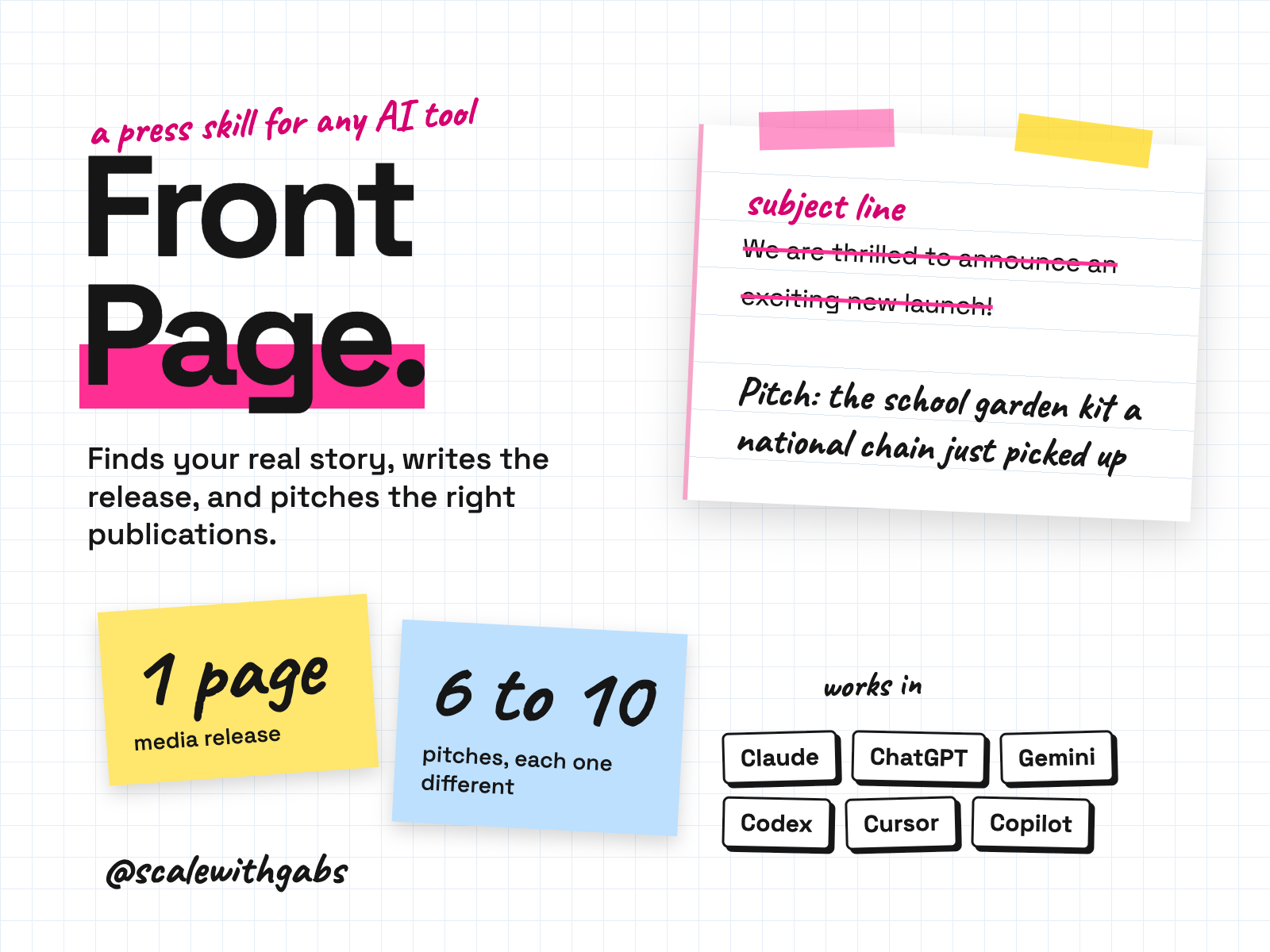
Got news and no PR budget? It finds the story in it, writes a one page media release, builds a list of 6 to 10 publications and writes a different pitch for each. Then it plans your send and follow-up dates and gives you a 12 month press calendar and a pitch tracker Sheet that shows what's due each week. If your news isn't a story yet, it says so and offers routes that don't need news.
Never used AI before? Good, this was made for you. If you can copy and paste, you can do this. here's how
Want more than one skill? Bundle and save.
works in
- Claude
- ChatGPT
- Gemini
- Codex
- Cursor
- GitHub Copilot
- Any other AI tool
Why I built it.
it is not a product post with a subject line
Press is one of the few things a small business can go after without paying for ads. The hard part is the format. A pitch is a short email about a story a journalist's readers will care about, sent to the right person at the right time. It is not a product post with a subject line.
Journalists get far more pitches than they can read. The ones that get ignored are usually irrelevant, read like an advert, or read like unedited AI.
So I wrote the whole job down as a workflow your AI follows every time. Including the part where it tells you, kindly, that your new colourway isn't news, and what would be.
What it does.
- Tests whether your news is a story. Five newsworthiness checks, three questions that all need a yes, three headlines and an argument for the best one.
- Says so when it isn't, and gives you three routes that need no news: a gift guide pitch, an expert article, or a founder story for business press.
- Writes the media release. About 400 words, every section there, the quote drafted for your approval.
- Builds a target list of 6 to 10 publications by section, your own country first, and writes one pitch for each. Different subject line, opening, lead fact and offer.
- Plans the send and the follow ups. Send, two follow ups at most, then stop. When nobody replies, a debrief instead of a fourth email.
- Never makes things up. No invented quote, statistic, customer number, award or date. No journalist email presented as fact.
Who it's for.
and who it is not for
- Small businesses and founders, selling products or services, with something to announce and no PR budget.
- Owners who have never pitched a journalist and don't know the format.
- Founders who want their founder story told in business press.
- Anyone who has sent pitches, been ignored, and suspects the pitch was the problem.
Not for: anyone who wants guaranteed coverage, a list of journalists' email addresses, or for it to send the emails. It writes them, you send them. Named publications are Australian in detail; the method works anywhere.
How it works.
- 1It asks what actually happened. A launch, a milestone, a new stockist, an award, a season, data you hold, or your founder story. It writes nothing yet.
- 2Stage 1, the angle. It runs the newsworthiness test, picks the angle and writes three headlines. If the story is thin, it says so.
- 3Stage 2, the release. About 400 words, one page, then a short list of what you must do before it can be sent.
- 4Stage 3, the list and the pitches. Six to ten publications, one pitch each, checked side by side so no two read the same.
- 5Stage 4, timing and follow up. A readiness check, the best day to send, the follow up schedule, and what to have ready if a journalist replies.
- 6Every stage ends with a SAVE THIS block. Paste it into a new chat and it carries on where you left off.
See it in action.
tap one to see it full size
These examples ship inside the kit and use invented brands (Sprout Crate and its founder are made up), so none of the numbers are real results. The last one is the tracker it hands you as a spreadsheet, with the send dates left for you. Trimmed to fit, marked with [...].
How to use it.
copy, paste, done
- 1Install it in your tool. The How to use page has the steps. Upload one file on claude.ai, make a Project in ChatGPT, or paste one message into Codex, Cursor or Claude Code.
- 2Check it worked. Ask it to write a release about a new apron colour. A working install refuses, kindly, and offers three better routes.
- 3Bring it your real news. Say "start my press session" and tell it what has happened.
the first thing you say
start my press session
Then just say things like
is this newsworthya plain verdict and nothing elsejust the releaseone stage on its own (or just the pitches, just the target list)check this releaseruns the claims checklist over a release you wrotebuild my press calendar12 months of occasions your product fitsa journalist repliedwhat to send within the hournobody replieda six step debrief and your next movegive me my trackeryour list and dates as a spreadsheet
Works in your AI tool.
the one you already pay for
Where I have run it: Claude, on invented launches. The ChatGPT, Gemini and agent routes follow each tool's own documentation, checked September 2026.
Never used AI?
good. start here.
Good. You're exactly who I wrote the lessons for.
Every download comes with a How to use page you can open before you even unzip anything. Pick your AI tool and it shows you where to click and what to paste, one step at a time. If you can copy and paste, you're qualified.
Then there's a short lesson that walks you through your first real session: what to say, what a good answer looks like, and what to do when it isn't. You never have to type a command.
Still stuck? Every download has an it didn't work section for each tool, and my email. Or grab an hour with me and we'll set it up together.
What you get.
- The Front Page skill, for Claude, Codex, Cursor, Gemini CLI, Copilot and Claude Code.
- A ChatGPT and Gemini edition: one instructions file and four knowledge files.
- A universal edition for any other AI tool.
- Eight templates: release, pitch, target list, follow up schedule, a 12 month press calendar and a one page press kit.
- Two worked examples: a full run, and the honest no.
- The How to use page and a 25 minute lesson.
Good questions.
tap a question to open it
Will it get me press coverage?
No product can promise that, and this one doesn't. A journalist decides, and most pitches go unanswered even when everything is done well. It raises your odds and stops you making the mistakes that get a small brand blocked.
What if my news isn't news?
It says so, once and plainly, and offers routes that don't need news. It won't write a release about nothing to seem helpful. A thin release sent to ten journalists closes ten doors.
Does it give me journalists' names and emails?
No. It gives you the publication and the section that runs your kind of story, why it fits, and how to find the right person today. Journalists move constantly, so it never presents an address as current fact.
Does it send the emails?
No. It writes them. You send them from your own inbox, which is exactly how journalists want to hear from you.
Do I need a paid AI plan?
I recommend running these on a paid plan for your AI tool, like Claude Pro, ChatGPT Plus or Google AI Pro. Free plans cap how much you can send, how many files a project can hold and which model you get, and these skills do their best work on the strongest model your tool offers.
Can anyone see my data?
No. The skill runs inside your own AI account. Nothing comes to me, and there's no server in between.
What will the AI do with my info?
The same as with anything else you type into it: it follows your AI tool's privacy settings. Most let you switch off using your chats for training: in Claude it's under Privacy, in ChatGPT it's Data controls, and in Gemini it's your Activity settings.
Claude Cowork or Claude Code? Which one?
Claude Code. I know, the name sounds scary, but you never write code. You open the Code tab in the Claude desktop app and chat like normal. The difference is what it can do: it works right inside your own files and folders, runs the little tools my skills use, and can build real things like a dashboard. That's why it's the one I use every day. It asks before it changes or runs anything, so nothing happens without your click. And if anything confuses you, tell it to explain it like you're 5.
Should I be worried about giving AI my business info?
Honestly? If you've ever logged into public Wi-Fi at a cafe, you've already taken a bigger risk than this. If you want to grow, you need to move fast and get ahead, and worrying about AI will hold you back. Just be smart about it: never give AI your passwords, API secret keys or card details, use a paid plan and switch off training in your settings, and only connect the apps you actually need.
What if it's not for me?
Because you get the whole skill the moment you buy, I don't offer refunds for change of mind. Not sure it suits your business? Message me before you buy and I'll tell you honestly. If something's actually broken, reply to your receipt and I'll fix it.
How do I get it?
Pay once. Your receipt email has your licence key and a How to use page. Go to gabisaper.com/download, paste the key, pick the AI tool you use, and your copy downloads, made out to you. One licence is for one business and one AI tool. Know Your Numbers downloads straight from the receipt.
Do I get updates?
Yes. When a new version is out you get an email with the new download and a message to paste that updates it without losing your settings.