a messaging skill for businesses with reviews
Said & Sold.
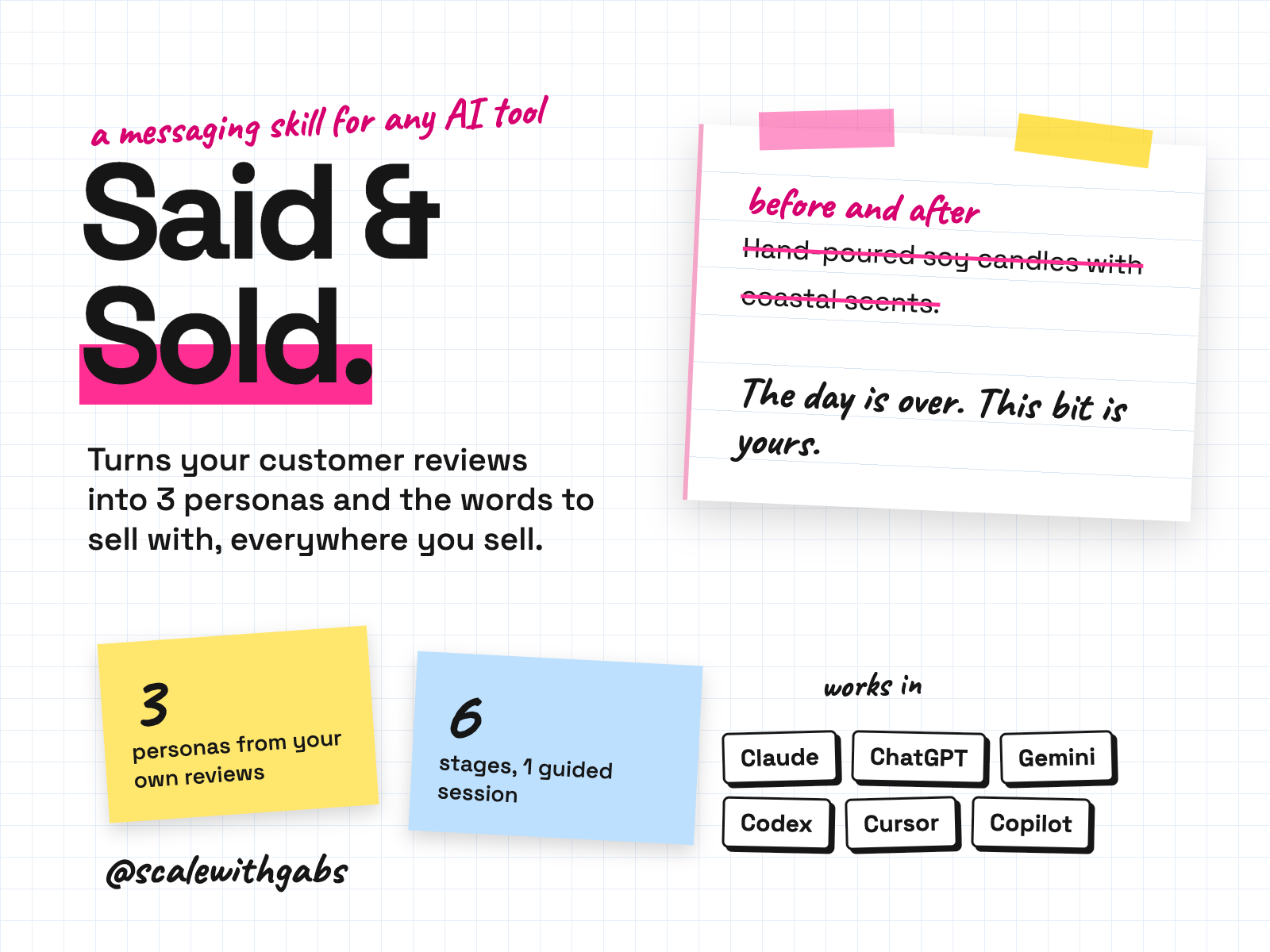
Paste in your reviews. It pulls out the words your customers keep using and the objections holding others back, and builds up to 3 personas. Then it writes your one line sell, two homepage options, a product or service page, a welcome email, four email campaign ideas, and post, video and Meta ad ideas for each persona. It all lands in one printable brief, with the review behind every line.
Never used AI before? Good, this was made for you. If you can copy and paste, you can do this. here's how
Want more than one skill? Bundle and save.
works in
- Claude
- ChatGPT
- Gemini
- Codex
- Cursor
- GitHub Copilot
- Any other AI tool
Why I built it.
they buy the 15 minutes after the kids go down
Most product pages are written by the person who makes the product, and they describe the product. Hand-poured, 60 hour burn, coastal scents. It's all true and it doesn't convert, because nobody is shopping for a feature list. They're shopping for a better evening.
And they've already told you that, in the reviews you've never read closely.
You could paste your reviews into a chat and ask for a headline. You'd get something shaped by every product page the model has ever read, and it might quietly invent a customer who sounds plausible. So I built the version that reads them properly, keeps their exact words, and shows you which review every line came from.
What it does.
- Mines your real reviews: the problem, the frustration, the exact phrases, and the worries that nearly stopped a sale. Every quote gets a number, R1, R2, R3.
- Builds three customer personas, one per top problem. Every line of buying psychology ends with its review number, or says "not evidenced".
- Refuses to invent. Everything comes from real customer words, yours or your competitors'. It never makes up a customer.
- Writes the copy: your core sell in one sentence, a homepage hero, your flagship product page, social ideas, four email campaigns plus a welcome email, and nine Meta ad texts.
- Hands you one brief you can copy out whole, with where each piece goes and three cheap tests to run before you rebuild anything.
- Checks every piece against the four buying conditions and a before you publish claims list.
Who it's for.
and who it is not for
- Business owners with real customers, selling products or services, whose copy talks about features and doesn't convert.
- Anyone with reviews sitting in their store or on a marketplace that they have never mined.
- Founders who can't say in one line what they sell, or aren't sure who is really buying.
- Anyone about to rebuild their website who wants to know what to say before paying for the design.
Not for: a brand with no customers yet and no way to get 10 pieces of customer language. It also can't pull reviews from your store for you, and it won't promise that any line will convert.
How it works.
- 1Your business. Twenty questions, two or three at a time, including when your customer first realised they needed this.
- 2Your reviews. It reads every one. Not enough of your own yet? It works from your competitors' reviews.
- 3What drives them. The five most painful problems and the five most attractive benefits, each with a review number.
- 4Three personas. One per top problem, each needing three or more real quotes to stand.
- 5The copy. Proof check first, then the hero, product page, social, email and ads, across three replies.
- 6The brief. One document with everything in it. Re-run it after about 50 new reviews.
See it in action.
tap one to see it full size
These examples ship with the kit or come from its test runs. The brands and reviews are invented, so none of it is a customer result. Trimmed to fit, marked with [...].
How to use it.
copy, paste, done
- 1Install it in your tool. The How to use page has the steps. Upload one file on claude.ai, make a Project in ChatGPT, or paste one message into Codex, Cursor or Claude Code.
- 2Get your reviews ready. Upload all your customer reviews, the more the better. Not many yet? Use your competitors' reviews instead.
- 3Start the session. Say "start my messaging session". Set aside time for it: it asks a lot of questions, on purpose.
the first thing you say
start my messaging session
Then just say things like
show me a demoa finished session for an invented brand, before you start yourshere is my saved block, continue from Stage 4pick up in a new chat3 more headlinesmore options on anything it wrotemore ads for persona 2more ad texts for one personarewrite the hero for the UKthe same idea for another marketcheck this against the 4 buying conditionson any copy you paste
Works in your AI tool.
the one you already pay for
Where I have run it: Claude, on invented brands and reviews. The ChatGPT, Gemini and agent routes follow each tool's own documentation, checked September 2026.
Never used AI?
good. start here.
Good. You're exactly who I wrote the lessons for.
Every download comes with a How to use page you can open before you even unzip anything. Pick your AI tool and it shows you where to click and what to paste, one step at a time. If you can copy and paste, you're qualified.
Then there's a short lesson that walks you through your first real session: what to say, what a good answer looks like, and what to do when it isn't. You never have to type a command.
Still stuck? Every download has an it didn't work section for each tool, and my email. Or grab an hour with me and we'll set it up together.
What you get.
- The Said & Sold skill, for Claude, Codex, Cursor, Gemini CLI, Copilot and Claude Code.
- A ChatGPT and Gemini edition: one instructions file and four knowledge files.
- A compact and a full universal edition for any other AI tool.
- A worked example and 15 test reviews so you can see it work first.
- A print page that turns your brief into a PDF.
- The How to use page and a 25 minute lesson.
Good questions.
tap a question to open it
Will the copy convert?
Nobody can promise that, and this doesn't. It writes drafts built from what your own customers said, which is a better start than a blank page or a feature list. That's why the brief ends with three cheap tests to run before you rebuild anything.
Will it make up a customer?
No. Everything comes from real reviews, yours or your competitors', and it won't invent a quote, a statistic or a customer.
Can it pull my reviews from my store?
No. It can't connect to your store, a marketplace or a review app. You export or copy your reviews and paste them in.
What if my customers aren't who I think they are?
That's the most common finding. In the worked example the founder said her customer was women 30 to 50 who like nice homewares. Not one of the 15 reviews mentioned homewares. Every one was about how an evening feels.
Do I need a paid AI plan?
I recommend running these on a paid plan for your AI tool, like Claude Pro, ChatGPT Plus or Google AI Pro. Free plans cap how much you can send, how many files a project can hold and which model you get, and these skills do their best work on the strongest model your tool offers.
Can anyone see my data?
No. The skill runs inside your own AI account. Nothing comes to me, and there's no server in between.
What will the AI do with my info?
The same as with anything else you type into it: it follows your AI tool's privacy settings. Most let you switch off using your chats for training: in Claude it's under Privacy, in ChatGPT it's Data controls, and in Gemini it's your Activity settings.
Claude Cowork or Claude Code? Which one?
Claude Code. I know, the name sounds scary, but you never write code. You open the Code tab in the Claude desktop app and chat like normal. The difference is what it can do: it works right inside your own files and folders, runs the little tools my skills use, and can build real things like a dashboard. That's why it's the one I use every day. It asks before it changes or runs anything, so nothing happens without your click. And if anything confuses you, tell it to explain it like you're 5.
Should I be worried about giving AI my business info?
Honestly? If you've ever logged into public Wi-Fi at a cafe, you've already taken a bigger risk than this. If you want to grow, you need to move fast and get ahead, and worrying about AI will hold you back. Just be smart about it: never give AI your passwords, API secret keys or card details, use a paid plan and switch off training in your settings, and only connect the apps you actually need.
What if it's not for me?
Because you get the whole skill the moment you buy, I don't offer refunds for change of mind. Not sure it suits your business? Message me before you buy and I'll tell you honestly. If something's actually broken, reply to your receipt and I'll fix it.
How do I get it?
Pay once. Your receipt email has your licence key and a How to use page. Go to gabisaper.com/download, paste the key, pick the AI tool you use, and your copy downloads, made out to you. One licence is for one business and one AI tool. Know Your Numbers downloads straight from the receipt.
Do I get updates?
Yes. When a new version is out you get an email with the new download and a message to paste that updates it without losing your settings.