a content planning skill for any business
Hooked.
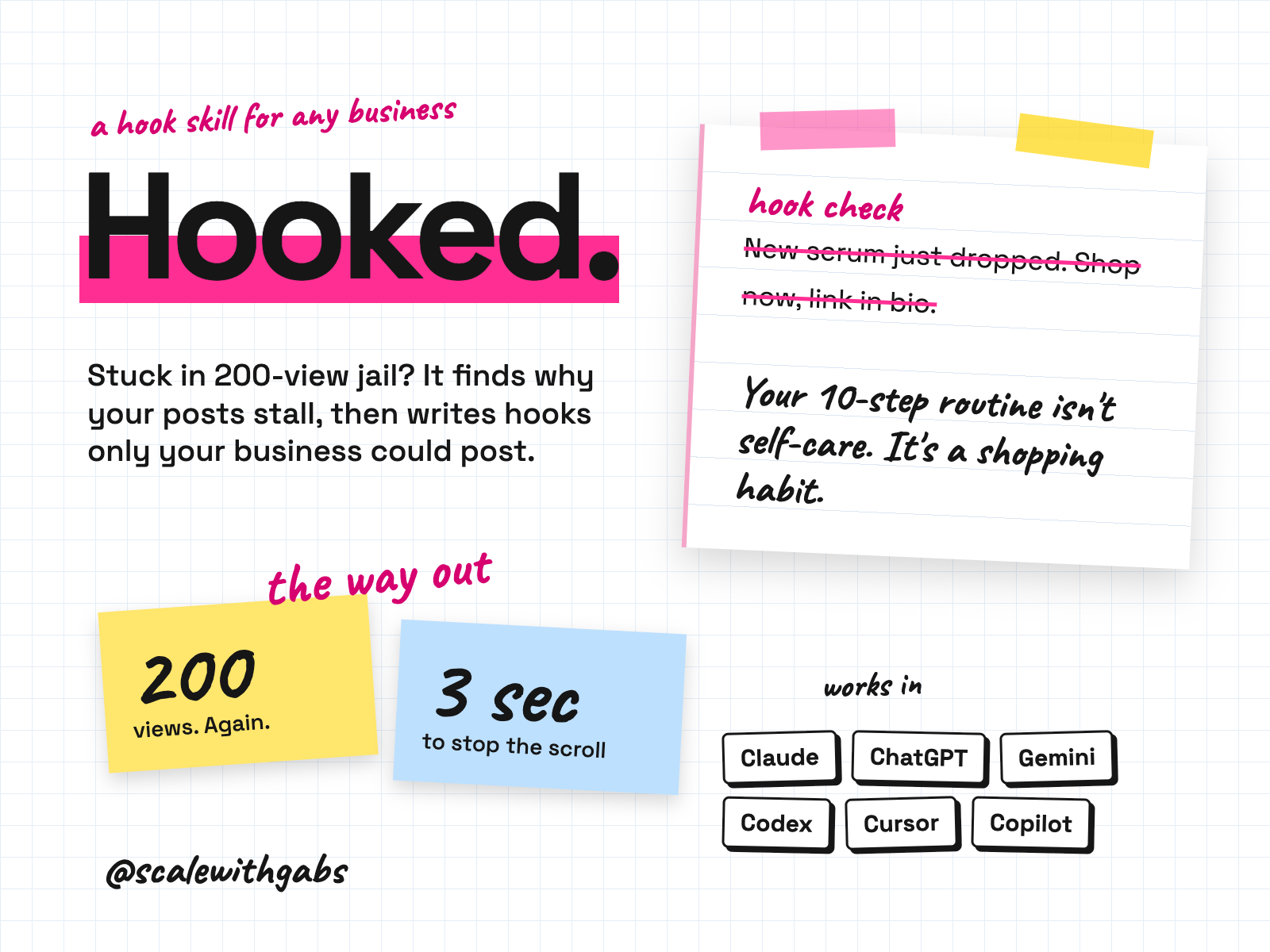
Posting all the time and selling nothing? It gets to know your business, grills your last 5 to 10 posts and finds the patterns, then plans 2 weeks of posts across all four lanes, sized to the hours you actually have. It writes 40 hooks, full scripts with shot lists and captions, and a filming-day list so one sitting covers the fortnight. Every month it reads your results, names what to make more of and rewrites the plan.
Never used AI before? Good, this was made for you. If you can copy and paste, you can do this. here's how
Want more than one skill? Bundle and save.
works in
- Claude
- ChatGPT
- Gemini
- Codex
- Cursor
- GitHub Copilot
- Any other AI tool
Why I built it.
you would not blame the foot traffic
Picture 200 people walking into a shop today. That's a full room. If nobody bought, you wouldn't blame the foot traffic. You'd fix the shop. Your content is the shop.
Views but no sales is almost never an effort problem. It's structure. Every post is a buy now to someone with no reason to trust you yet, nothing makes anyone feel understood, and nothing proves the product works.
So this skill diagnoses first and writes second. It refuses to hand you hooks until it has read your posts, because hooks built on a guess are the generic hooks you already have.
What it does.
- Gets to know your business first, so its advice fits you.
- Grills your last 5 to 10 posts against the 5 questions every post must answer, labels each one's lane, runs the logo test, and finds the patterns across them: your lane mix, the openings that keep failing, and what your best posts share.
- Sets three to five content pillars from your story, your customer's problem in their words, and your product or service doing its job.
- Builds a week you can keep. You say how many posts and hours you really have. It maps a fortnight and gives you a tracker for Sheets, Excel, Numbers or Notion.
- Writes 40 hooks (100 if you ask), each swap tested: put a competitor's name in and if it still works, it gets rewritten.
- Scripts your priority posts, including no-face versions if you won't go on camera.
- Reviews your month on saves, shares, completion and sales, never views alone.
Who it's for.
and who it is not for
- Business owners, product or service, who post consistently, get some views, and sell nothing.
- Founders who dread the question "what should I post this week".
- Anyone whose hooks and captions could be posted by a competitor without editing.
- Owners who won't go on camera. Every format has a version without your face.
Not for: anyone who wants a promise of views, followers or sales (it never gives one), or help with paid ads, email or SMS. It's for organic content only.
How it works.
- 1The reframe and your profile. The 200 views idea, the three big mistakes, and five quick facts about your business.
- 2Diagnose. Your last 5 to 10 posts, scored with your own captions quoted as evidence, then the patterns across them.
- 3Pillars. Three to five themes you can post from for months.
- 4Your week. Educate, entertain, empathise and proof, sized to the hours you actually have.
- 5Hooks and scripts. Swap tested hooks, then beat by beat scripts for the posts your feed is missing.
- 6Review the month. Bring your tracker back and it refreshes the plan from what worked.
See it in action.
tap one to see it full size
All four come from a real run in Claude for a made-up skincare brand. The last is the plan it saves as a spreadsheet, with the results columns left for you to fill in. Yours will quote your own posts.
How to use it.
copy, paste, done
- 1Install it in your tool. The How to use page has the steps. Upload one file on claude.ai, make a Project in ChatGPT, or paste one message into Codex, Cursor or Claude Code.
- 2Check it worked. Paste the three test posts from your download. It should label all three Sell and tell you what's missing.
- 3Bring your real posts. Your last three, with the caption and the first three seconds.
the first thing you say
start my content session
Then just say things like
diagnose my poststhe five question check on your last threebuild my weeka plan sized to your real hourswrite my hooks40 hooks, or say 100 hookswhy did this post flopa straight answer on one postI won't be on cameraevery format without your facehow do I go viralthe honest answer, then back to workreview my monthwhat worked, and the refreshed plan
Works in your AI tool.
the one you already pay for
Where I have run it: ChatGPT, including as a Project, and claude.ai, on invented brands. The Gemini and agent routes follow each tool's own documentation, checked September 2026.
Never used AI?
good. start here.
Good. You're exactly who I wrote the lessons for.
Every download comes with a How to use page you can open before you even unzip anything. Pick your AI tool and it shows you where to click and what to paste, one step at a time. If you can copy and paste, you're qualified.
Then there's a short lesson that walks you through your first real session: what to say, what a good answer looks like, and what to do when it isn't. You never have to type a command.
Still stuck? Every download has an it didn't work section for each tool, and my email. Or grab an hour with me and we'll set it up together.
What you get.
- The Hooked skill, for Claude, Codex, Cursor, Gemini CLI, Copilot and Claude Code.
- A ChatGPT and Gemini edition: one instructions file and four knowledge files.
- A compact and a full universal edition for any other AI tool.
- Ten reference files, including about 290 hook constructions and 8 repeatable formats.
- Six templates and three worked examples, including a regulated skincare brand.
- The How to use page and a 15 minute lesson.
Good questions.
tap a question to open it
Will it tell me how many views or followers I'll get?
No. It's written never to promise reach, growth, views, followers or a timeline, and neither do I. It judges content by saves, shares, profile visits, link clicks and sales, over weeks.
I hate being on camera.
Say so. Every format has a no-face version, and your brand story works as stills with text over music.
I haven't launched yet.
Run it anyway. It skips the diagnosis honestly and builds pillars around telling the story before the product exists.
How do I go viral, then?
It'll tell you that one viral video is a lottery ticket and that reach which doesn't convert is the wrong reach. Then it'll diagnose your posts.
Do I need a paid AI plan?
I recommend running these on a paid plan for your AI tool, like Claude Pro, ChatGPT Plus or Google AI Pro. Free plans cap how much you can send, how many files a project can hold and which model you get, and these skills do their best work on the strongest model your tool offers.
Can anyone see my data?
No. The skill runs inside your own AI account. Nothing comes to me, and there's no server in between.
What will the AI do with my info?
The same as with anything else you type into it: it follows your AI tool's privacy settings. Most let you switch off using your chats for training: in Claude it's under Privacy, in ChatGPT it's Data controls, and in Gemini it's your Activity settings.
Claude Cowork or Claude Code? Which one?
Claude Code. I know, the name sounds scary, but you never write code. You open the Code tab in the Claude desktop app and chat like normal. The difference is what it can do: it works right inside your own files and folders, runs the little tools my skills use, and can build real things like a dashboard. That's why it's the one I use every day. It asks before it changes or runs anything, so nothing happens without your click. And if anything confuses you, tell it to explain it like you're 5.
Should I be worried about giving AI my business info?
Honestly? If you've ever logged into public Wi-Fi at a cafe, you've already taken a bigger risk than this. If you want to grow, you need to move fast and get ahead, and worrying about AI will hold you back. Just be smart about it: never give AI your passwords, API secret keys or card details, use a paid plan and switch off training in your settings, and only connect the apps you actually need.
What if it's not for me?
Because you get the whole skill the moment you buy, I don't offer refunds for change of mind. Not sure it suits your business? Message me before you buy and I'll tell you honestly. If something's actually broken, reply to your receipt and I'll fix it.
How do I get it?
Pay once. Your receipt email has your licence key and a How to use page. Go to gabisaper.com/download, paste the key, pick the AI tool you use, and your copy downloads, made out to you. One licence is for one business and one AI tool. Know Your Numbers downloads straight from the receipt.
Do I get updates?
Yes. When a new version is out you get an email with the new download and a message to paste that updates it without losing your settings.