a wholesale skill for product brands
Stocked.
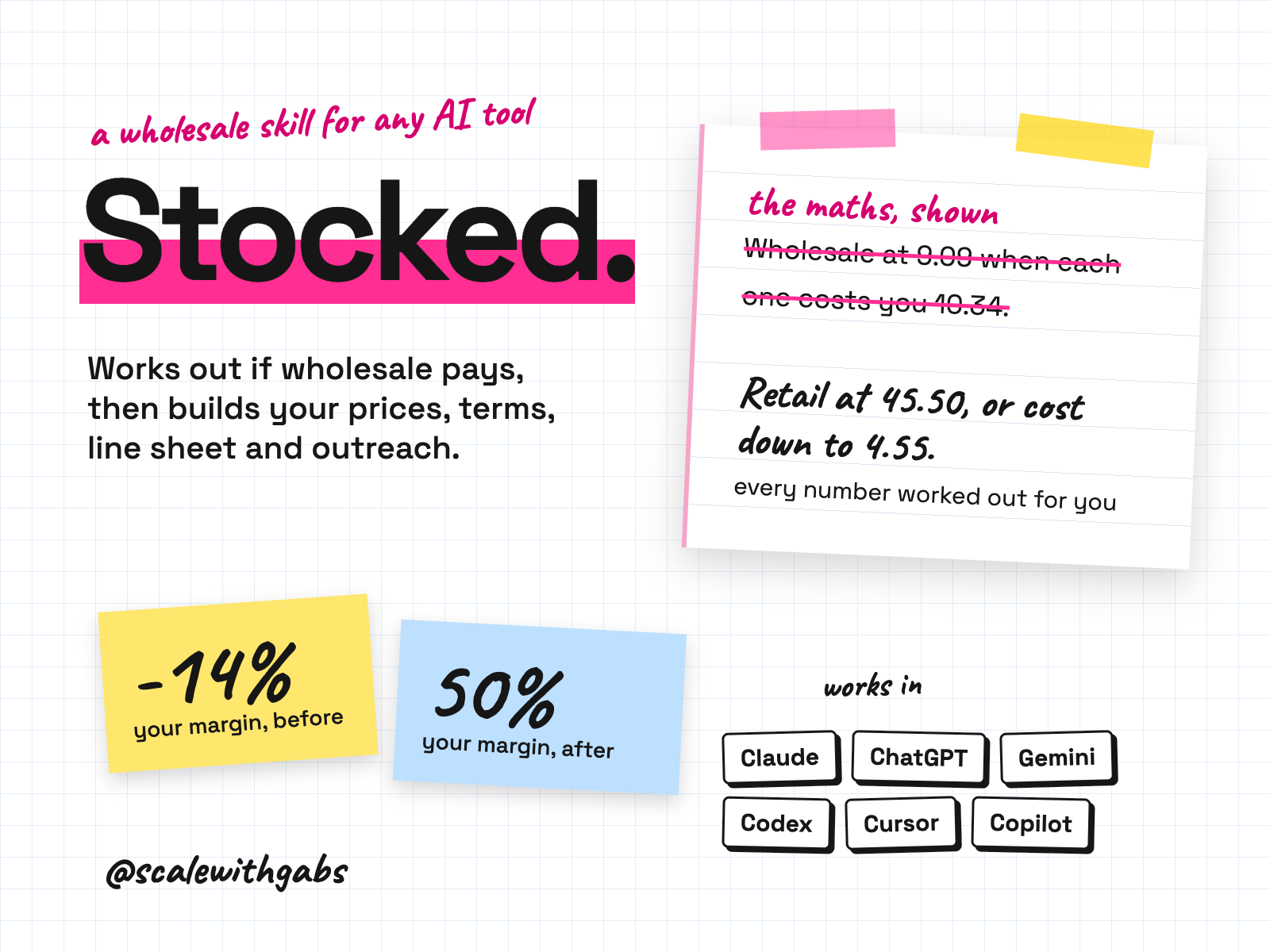
Been asked "do you do wholesale?" with nothing ready? It works out your true cost and a wholesale price that still pays you, and builds your minimums, terms, line sheet and order form. Then it plans 8 weeks of outreach with every email and script written. The tracker Sheet flags who to follow up each week, and after an order it prompts the delivery check, the reorder and the payment chase.
Never used AI before? Good, this was made for you. If you can copy and paste, you can do this. here's how
Want more than one skill? Bundle and save.
works in
- Claude
- ChatGPT
- Gemini
- Codex
- Cursor
- GitHub Copilot
- Any other AI tool
Why I built it.
half off, maybe. a minimum of something.
Sooner or later a shop, a friend of a friend, or a stranger in your inbox writes: "do you do wholesale?" Most owners answer with a guess. Half off, maybe. A minimum of something. No line sheet, no terms, and a quiet worry that the numbers don't work.
So I built the worked answer. It starts from what a unit really costs you, shows every step of the maths, and gives you a straight verdict before you print a single line sheet.
A no is the valuable answer. Most brands that lose money on wholesale never ran this calculation.
What it does.
- Works out your true cost per unit, line by line: maker price, freight, packaging, labels, breakage, storage.
- Prices wholesale with every step shown, then gives a plain verdict: works, workable, thin, or does not work.
- When it doesn't work, shows you the three levers with numbers: the retail price that would work, the cost that would work, and a smaller discount.
- Builds your terms sheet, line sheet and a retailer scorecard. The line sheet doubles as the order form.
- Builds a full outreach plan: warm contacts first, an 8 week calendar, every email and script, a tracker, and this week's three actions.
- Sets up Faire with you: your listings, the Top Shop badge, and the shops you find coming in through your own Faire Direct link at 0% commission (as of September 2026).
- Walks you through the yes: order confirmation, invoice, packing, the sell-through check and the reorder.
Who it's for.
and who it is not for
- Owners of a product brand that sells direct and keeps being asked "do you do wholesale?"
- Founders who have never priced wholesale and don't know what terms are normal.
- Brands that suspect wholesale wouldn't pay and want the numbers before they decide.
- Owners with a stockist or two who want a proper price list, terms sheet and line sheet.
Not for: anyone who wants a list of retailers (it never invents names or contacts), a contract, or legal, tax or financial advice. It's built for independent retail; chains and department stores are a different game.
How it works.
- 1It asks two numbers first. What one unit costs you, landed at your door, and what you sell it for.
- 2True cost. Everything else depends on this, so it always runs first.
- 3A readiness check. Stock, cash, time, insurance and paperwork, and whether your website price is a real price.
- 4Wholesale price and a verdict. Keystone maths shown step by step, minimums in your currency, and a plain answer.
- 5Terms, line sheet, targets. The documents a buyer expects, plus the categories of store that fit and how to find real ones.
- 6Outreach and the yes. An 8 week plan built around your hours, then what to do when a retailer says yes.
See it in action.
tap one to see it full size
The three chats are examples that ship inside the kit, with invented brands, so none of the numbers are a real business. The third is the first line of a test reply, which goes on to give retailer categories and how to find real stores. The three sheets are the free Google Sheets that come with Stocked, showing the sample rows they start with. Trimmed to fit, marked with [...].
How to use it.
copy, paste, done
- 1Install it in your tool. The How to use page has the steps. Upload one file on claude.ai, make a Project in ChatGPT, or paste one message into Codex, Cursor or Claude Code.
- 2Check it worked. Start a session with a product that costs 8 and sells for 20. It should do the maths and tell you straight.
- 3Run your real numbers. Start with what a unit costs you landed, what it sells for, and your country.
the first thing you say
start my wholesale session. My product costs 11.50 a unit landed, including the box. It sells for 49.95 on my website, including GST. Australia, AUD.
Then just say things like
a retailer asked, what do I senda holding reply straight awayredo the pricing with cost Xwhen a cost changesmake the line sheetthe PDF and the order formwho should I targetretailer categories and a scorecardbuild my outreach planthe 8 week plan and every emailthey said yesthe order, the invoice and the reorder
Works in your AI tool.
the one you already pay for
Where I have run it: Claude, on invented brands. The ChatGPT, Gemini and agent routes follow each tool's own documentation, checked September 2026.
Never used AI?
good. start here.
Good. You're exactly who I wrote the lessons for.
Every download comes with a How to use page you can open before you even unzip anything. Pick your AI tool and it shows you where to click and what to paste, one step at a time. If you can copy and paste, you're qualified.
Then there's a short lesson that walks you through your first real session: what to say, what a good answer looks like, and what to do when it isn't. You never have to type a command.
Still stuck? Every download has an it didn't work section for each tool, and my email. Or grab an hour with me and we'll set it up together.
What you get.
- The Stocked skill, for Claude, Codex, Cursor, Gemini CLI, Copilot and Claude Code.
- A ChatGPT and Gemini edition: one instructions file and five knowledge files.
- A universal edition for any other AI tool.
- Ten templates: pricing worksheet, terms sheet, line sheet, retailer scorecard, outreach plan, emails and scripts, order confirmation and invoice.
- A free pricing calculator Google Sheet for up to 20 products, and a free outreach tracker Sheet.
- The How to use page and a 20 minute lesson.
Good questions.
tap a question to open it
Will it give me a list of retailers?
No. It never supplies or invents retailer names or contacts, because an invented list would waste your outreach. It gives you the categories that fit, where to find real stores, and a scorecard to qualify each one.
What if it says wholesale doesn't work for me?
That's a real answer, and the most useful one to get early. It shows the maths and the three levers: the retail price that would work, the cost that would work, and a smaller retailer discount. You decide what to change.
Is this legal or tax advice?
No. It explains terms and then sends contracts to an adviser. Tax points are for your accountant.
Does it work outside Australia?
Yes. It asks your country and currency first and carries them through everything.
Do I need a paid AI plan?
I recommend running these on a paid plan for your AI tool, like Claude Pro, ChatGPT Plus or Google AI Pro. Free plans cap how much you can send, how many files a project can hold and which model you get, and these skills do their best work on the strongest model your tool offers.
Can anyone see my data?
No. The skill runs inside your own AI account. Nothing comes to me, and there's no server in between.
What will the AI do with my info?
The same as with anything else you type into it: it follows your AI tool's privacy settings. Most let you switch off using your chats for training: in Claude it's under Privacy, in ChatGPT it's Data controls, and in Gemini it's your Activity settings.
Claude Cowork or Claude Code? Which one?
Claude Code. I know, the name sounds scary, but you never write code. You open the Code tab in the Claude desktop app and chat like normal. The difference is what it can do: it works right inside your own files and folders, runs the little tools my skills use, and can build real things like a dashboard. That's why it's the one I use every day. It asks before it changes or runs anything, so nothing happens without your click. And if anything confuses you, tell it to explain it like you're 5.
Should I be worried about giving AI my business info?
Honestly? If you've ever logged into public Wi-Fi at a cafe, you've already taken a bigger risk than this. If you want to grow, you need to move fast and get ahead, and worrying about AI will hold you back. Just be smart about it: never give AI your passwords, API secret keys or card details, use a paid plan and switch off training in your settings, and only connect the apps you actually need.
What if it's not for me?
Because you get the whole skill the moment you buy, I don't offer refunds for change of mind. Not sure it suits your business? Message me before you buy and I'll tell you honestly. If something's actually broken, reply to your receipt and I'll fix it.
How do I get it?
Pay once. Your receipt email has your licence key and a How to use page. Go to gabisaper.com/download, paste the key, pick the AI tool you use, and your copy downloads, made out to you. One licence is for one business and one AI tool. Know Your Numbers downloads straight from the receipt.
Do I get updates?
Yes. When a new version is out you get an email with the new download and a message to paste that updates it without losing your settings.