an advisory board for your online business
Seven Chairs.
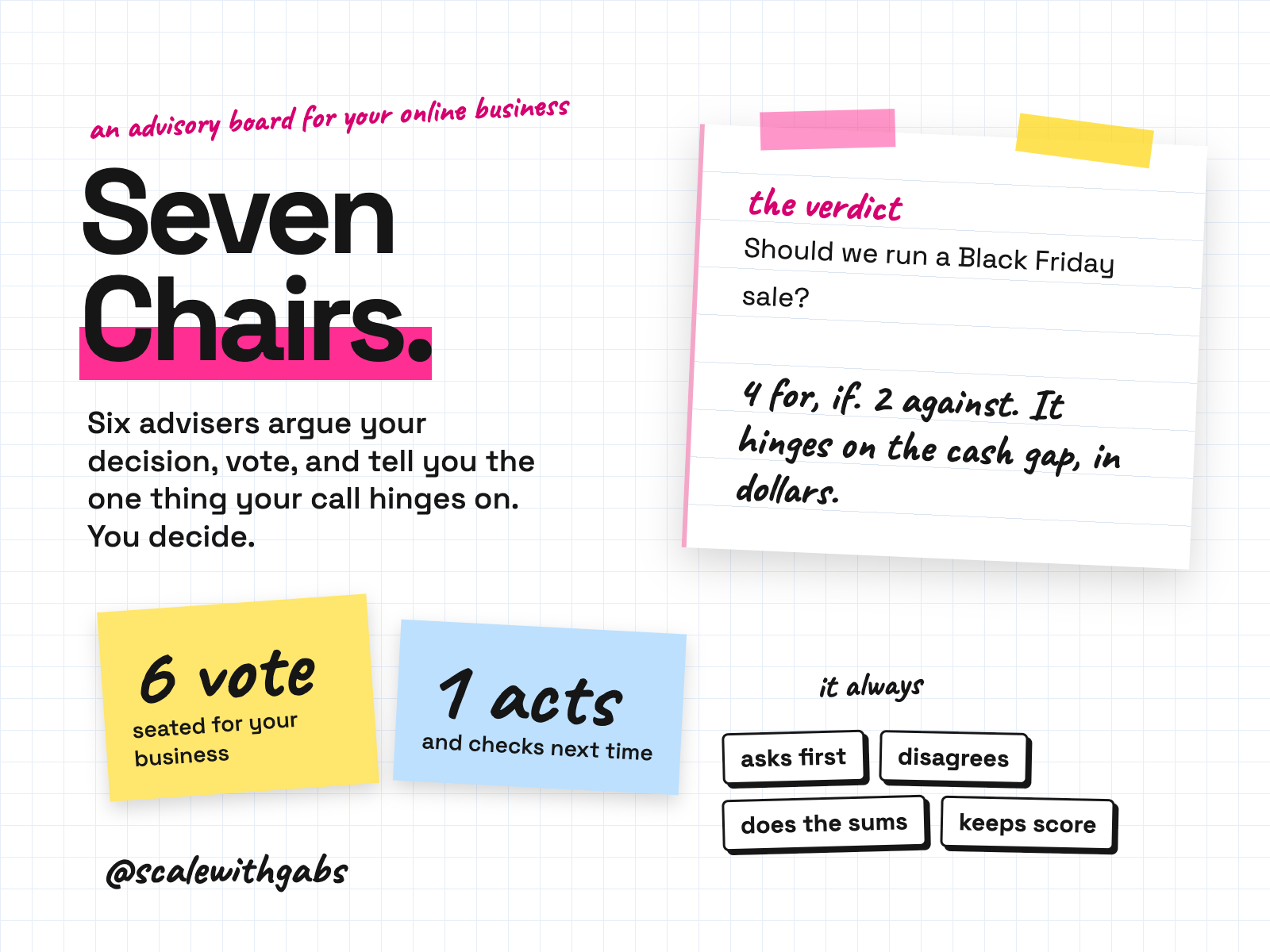
Should we go on Amazon, run a Black Friday sale, launch the course, take the order that ties up our cash? It learns your business once, then six advisers work the decision through: the sums, the customer, the facts, the risks. You make the call. It turns it into 3 to 7 dated actions, the first doable within 24 hours, keeps the log and asks what happened next time you open it.
Never used AI before? Good, this was made for you. If you can copy and paste, you can do this. here's how
Want more than one skill? Bundle and save.
built for
- Claude
- ChatGPT
- Gemini
- Codex
- Cursor
- GitHub Copilot
Why I built it.
I was not a very good opponent
I've run an ecommerce brand since 2020, and the loneliest part was never the work. It was the decisions. Should we go on Amazon. Should we discount for Black Friday when the boutiques hate it. I had nobody to argue with at 10pm, so I argued with myself, and I was not a very good opponent.
So I built a board. Six advisers with fixed jobs: one to find the hole in the idea, one to speak as my customer, one to do the sums, one to check the facts, one to protect the brand, and one to think in years.
It changed how I decide. Then I did what I always do: I wrote it down so you could use it, and I made it ask about your business first, because advice that doesn't know your margin is a blog post.
I won't tell you it makes better decisions. Nobody can promise that. It makes sure you've heard the argument before you make the call.
What it does.
- Gets to know your business first, so its advice fits you.
- Seats six advisers for your business from a bench of eighteen. Keep them, swap them, rename them.
- Argues in front of you and votes. For, Against, or For, if, with the condition named. At least one of them always disagrees.
- Names the one thing your call hinges on, and what would change the verdict.
- Turns your decision into a plan. Three to seven dated actions with an owner and a done when, the first one doable in 24 hours.
- Checks up on you next time. It keeps a decision log and opens with what you promised to do.
Who it's for.
and who it is not for
- Owners of any online business: a store on any platform, services, courses or memberships.
- Owners making real calls about offers, pricing, channels, stock, suppliers and marketing, mostly alone.
- Owners who already use an AI tool and are tired of it agreeing with them.
- Owners who want to be held to what they decided.
Not for: anyone who wants a tool to decide for them, spend money or change things in their store. It never does any of that. It also won't give legal, tax or financial advice, and says when to see a professional.
How it works.
- 1It gets to know you, once. Your numbers, your customers, your never-do list. Then it plays it back: "Did I get that right?"
- 2You ask your question. In one sentence. It sharpens vague ones, restates loaded ones and tells you if the decision is easy or hard to reverse.
- 3Six advisers argue. The Skeptic, the Customer, the Operator, the Analyst, the Brand Keeper and the Long Game, each in their own voice.
- 4They vote. The verdict gives the tally, the strongest case each way and the one thing it hinges on.
- 5You make the call. Go, go with the conditions, not now, or I need more information. Only you decide.
- 6The Executer makes the plan. Dated actions and a review date. Next session it asks what happened.
See it in action.
tap one to see it full size
These are sample sessions that ship with the kit, on invented stores with invented numbers, so treat none of the figures as a real benchmark. Trimmed to fit, marked with [...]. Your board will sound like your business.
How to use it.
copy, paste, done
- 1Install it in your tool. In Claude Code, Codex, Cursor, Gemini CLI or Copilot you paste one message. In ChatGPT, Gemini or claude.ai it runs as a Project or a Gem with one file.
- 2Say "Set up my board." It gets to know your business, then helps you plan your first decision.
- 3Bring it a real decision. Ask it anything you're stuck on. Read the argument, then make your call.
the first thing you say
Set up my board.
Then just say things like
convene the board on...a full session on your questionquick takethree advisers, two lines eachdeep sessioneach adviser votes without seeing the otherswhat would the Operator say?just one adviserpre-mortemimagine it failed, and find out why firstwhat's openevery logged decision, overdue firstbrief my partnera short note to forward to a co-owner or accountantgive me the strongest case againstwhen you want it to push back harder
Built for your AI tool.
best on the strongest model you have
Where I have run it: By reading the skill files on invented stores. It is built to the open Agent Skills standard, and each install route follows that tool's own documentation, checked September 2026. I name a tool as tested only once it has passed my cross-tool test.
Never used AI?
good. start here.
Good. You're exactly who I wrote the lessons for.
Every download comes with a How to use page you can open before you even unzip anything. Pick your AI tool and it shows you where to click and what to paste, one step at a time. If you can copy and paste, you're qualified.
Then there's a short lesson that walks you through your first real session: what to say, what a good answer looks like, and what to do when it isn't. You never have to type a command.
Still stuck? Every download has an it didn't work section for each tool, and my email. Or grab an hour with me and we'll set it up together.
What you get.
- The Seven Chairs skill, for Claude Code, Codex, Cursor, Gemini CLI and Copilot.
- A one-file edition for ChatGPT, Gemini and claude.ai Projects.
- A bench of eighteen advisers, four session modes and the decision log.
- The How to use page and a 15 minute lesson in seven parts.
- A worked example of a full session, start to finish.
Good questions.
tap a question to open it
Does it connect to my store or see my data?
No. It knows only what you tell it. Your profile and decision log are saved on your own computer, or inside your project's instructions in the chat apps. It never sends them anywhere.
Will it make the decision for me?
No, and it's built not to. Every session ends with a vote, the strongest case each way and the one thing your call hinges on. Then it asks for your call. The plan only exists after you decide.
Is it several different AIs?
No. It's six perspectives with fixed jobs and voices, run by your own AI tool and tuned by your answers. For big decisions there's a deep session where each adviser votes without seeing the others.
Why does it ask so many questions first?
Because advice that doesn't know your margin, your customer and your never-do list is a blog post.
Do I need to be technical?
No. You never open code, a Terminal or a file.
Do I need a paid AI plan?
I recommend running these on a paid plan for your AI tool, like Claude Pro, ChatGPT Plus or Google AI Pro. Free plans cap how much you can send, how many files a project can hold and which model you get, and these skills do their best work on the strongest model your tool offers.
Can anyone see my data?
No. The skill runs inside your own AI account. Nothing comes to me, and there's no server in between.
What will the AI do with my info?
The same as with anything else you type into it: it follows your AI tool's privacy settings. Most let you switch off using your chats for training: in Claude it's under Privacy, in ChatGPT it's Data controls, and in Gemini it's your Activity settings.
Claude Cowork or Claude Code? Which one?
Claude Code. I know, the name sounds scary, but you never write code. You open the Code tab in the Claude desktop app and chat like normal. The difference is what it can do: it works right inside your own files and folders, runs the little tools my skills use, and can build real things like a dashboard. That's why it's the one I use every day. It asks before it changes or runs anything, so nothing happens without your click. And if anything confuses you, tell it to explain it like you're 5.
Should I be worried about giving AI my business info?
Honestly? If you've ever logged into public Wi-Fi at a cafe, you've already taken a bigger risk than this. If you want to grow, you need to move fast and get ahead, and worrying about AI will hold you back. Just be smart about it: never give AI your passwords, API secret keys or card details, use a paid plan and switch off training in your settings, and only connect the apps you actually need.
What if it's not for me?
Because you get the whole skill the moment you buy, I don't offer refunds for change of mind. Not sure it suits your business? Message me before you buy and I'll tell you honestly. If something's actually broken, reply to your receipt and I'll fix it.
How do I get it?
Pay once. Your receipt email has your licence key and a How to use page. Go to gabisaper.com/download, paste the key, pick the AI tool you use, and your copy downloads, made out to you. One licence is for one business and one AI tool. Know Your Numbers downloads straight from the receipt.
Do I get updates?
Yes. When a new version is out you get an email with the new download and a message to paste that updates it without losing your settings.